
Table of Contents
TK999 The login guide is designed to understand mobile number, password, OTP, account access, login problems, and forgot password. Users need to know about TK999 Login: how to access the account page, why login may be blocked, and how to safely end the session.
Login is not just a simple button; it is associated with personal information, password, OTP, and device privacy. Therefore, this page discusses step-by-step the login guide, mobile access, incorrect password, OTP delay, browser cache, and account recovery.
What is TK999 Login Page
The TK999 Login Page is the main gateway to account access. Here, mobile number, username, password, OTP, or device verification may be required. Before using the login guide, pay attention to the address bar, page load, form field, and unusual pop-ups.
Using the wrong page or unfamiliar redirects can create account risks. Therefore, ensure you are using a private device and that no one else is viewing the screen before logging in.
The purpose of the login page is to open the account; however, account security also depends on the user's habits.
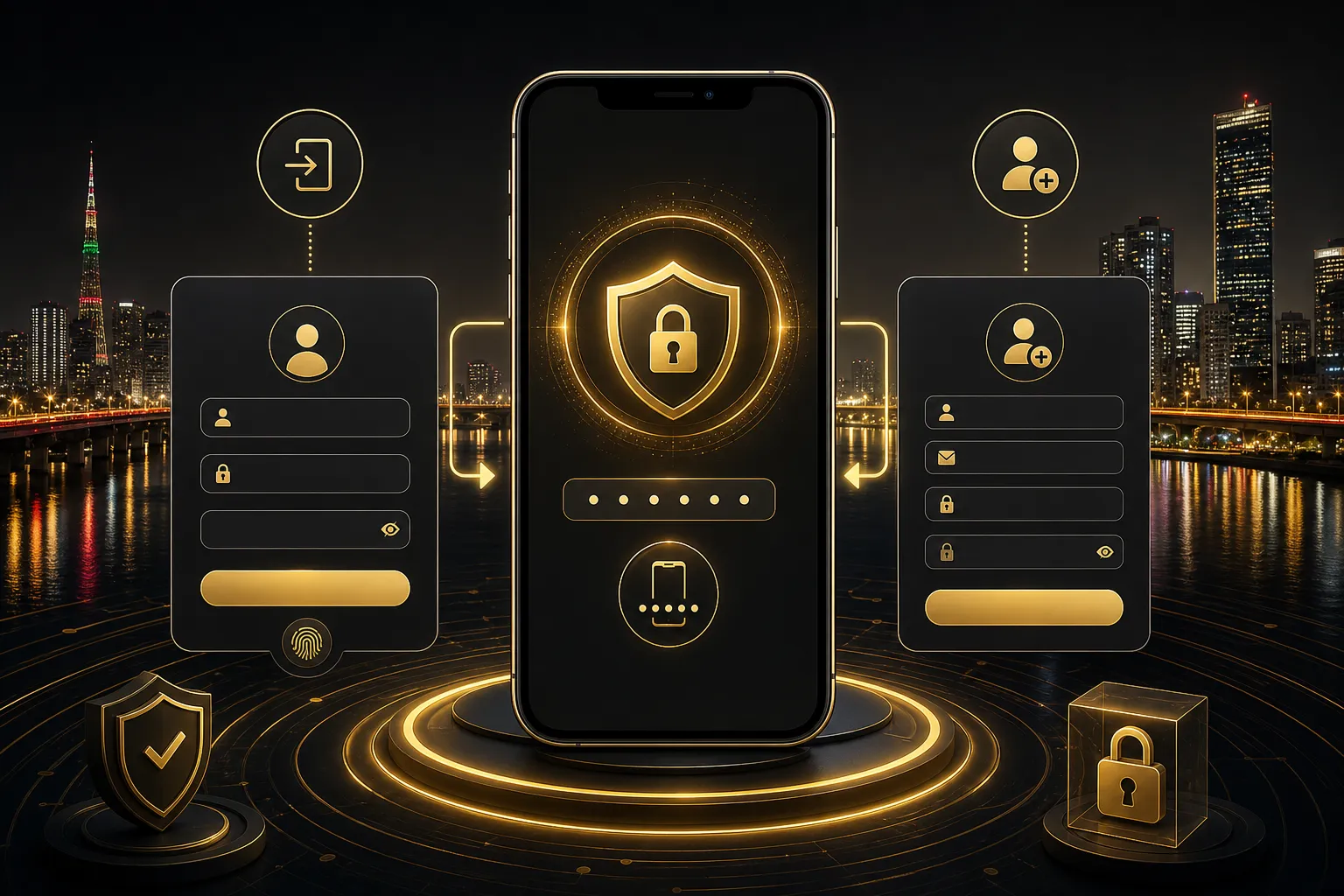
Mobile Number, Password, and OTP
Mobile number can be used as login identity. If the number is incorrect, OTP will not be received or there may be an account mismatch. When entering the password, check if the keyboard language, caps state, and saved credentials are correct.
OTP should never be given to friends, group admins, or unfamiliar support. Although OTP is a short-time code, it can be used to access the account. If there is a code delay, wait for a while instead of requesting repeatedly.
Before resetting the password or resending the OTP, ensure the SIM is with you and that no one else is viewing the message preview. Do not attempt to use the same code multiple times; read the new instructions, as expired OTP can block account access.
TK999 লগইন ধাপে ধাপে
First, open the login guide, then verify the mobile number or username. Before submitting the form with the password, check the spelling. Use the current code when requesting OTP and do not mix it with old codes.
If the login is successful, check if the account area is loaded. After completing necessary tasks, log out. If using a shared device, it is advisable to clear saved passwords, browser history, and notification previews.
If you do not have a new account, first TK999 Register and Account Open Guide read. If you want to log in from the App TK999 App Download and APK Guide helpful.
Why Login Problems May Occur
The common causes of login problems are incorrect password, expired OTP, slow network, browser cache, blocked cookie, device time mismatch, old App version, or repeated attempt lock. Repeatedly making the same mistake can increase the problem.
If there is a problem, gradually isolate the cause. Change the network, clear the cache, sync the device time, re-enter the password, and check the OTP expiry.
If you still cannot access after multiple attempts, it is better to take a break for a while. If there is a repeated attempt lock, quickly making a new request can prolong the issue, and in a panic situation, it becomes easier to enter the wrong password or wrong OTP.
Forgot Password and Account Recovery
If you forget the password, you may need to use the recovery flow. You may need a mobile number, OTP, KYC, or account information. It is not safe to share your screen with an unknown helper during recovery.
If the account recovery issue is unclear, you can read the general assistance instructions on the contact page: TK999 যোগাযোগ. However, do not send personal OTP, password, or documents in a public message.
Safe Logout and Device Privacy
Logging out is the final step of security. If you use a shared phone, office device, public Wi-Fi, or family device, not logging out can allow the next user to see your session.
Closing the browser tab and logging out are not the same. Log out from the account area, keep the saved password off, and check if sensitive information is visible in the notification preview.
Responsible Practices in Using Login
Logging in unnecessarily, checking the account all night, or making decisions in emotional moments is not responsible usage. Time management is important in an online casino environment.
Before logging in, clarify your purpose. Decide whether you will only read information, view the account, or take any other action; this reduces unnecessary risks.
If the purpose of logging in is just to recover losses or to rush into a payment action, it is better to stop first. Having login access does not mean it needs to be used immediately.
TK999 লগইন FAQ
What should I do if I do not receive an OTP to log in to TK999?
Check the network, mobile number, message delay, and OTP expiry. Wait for a while without making repeated requests.
Does the account get lost if the password is wrong?
Generally, no. Use the forgot password or recovery flow, but do not give OTP or password to anyone.
What are the common causes of login problems in TK999?
Incorrect credential, cache, cookie, device time, slow network, old App version or repeated attempt lock can be the reasons.
What precautions are needed when logging in from the App?
Ensure App source, permission, private screen, and logout control.
What should be done after logging in?
Logout when the account work is done, review saved passwords, and keep the shared device clean.
Last updated: May 24, 2026
Reviewed by TK999 Editorial Team
18+ Responsible Gaming notice: Online casinos, Casino and Sports Betting are recreational risks for adults. Keep budget, time, personal information, and breaks under your control.
This website provides information only and does not process betting, deposit, withdraw or transfer.